Layers and text
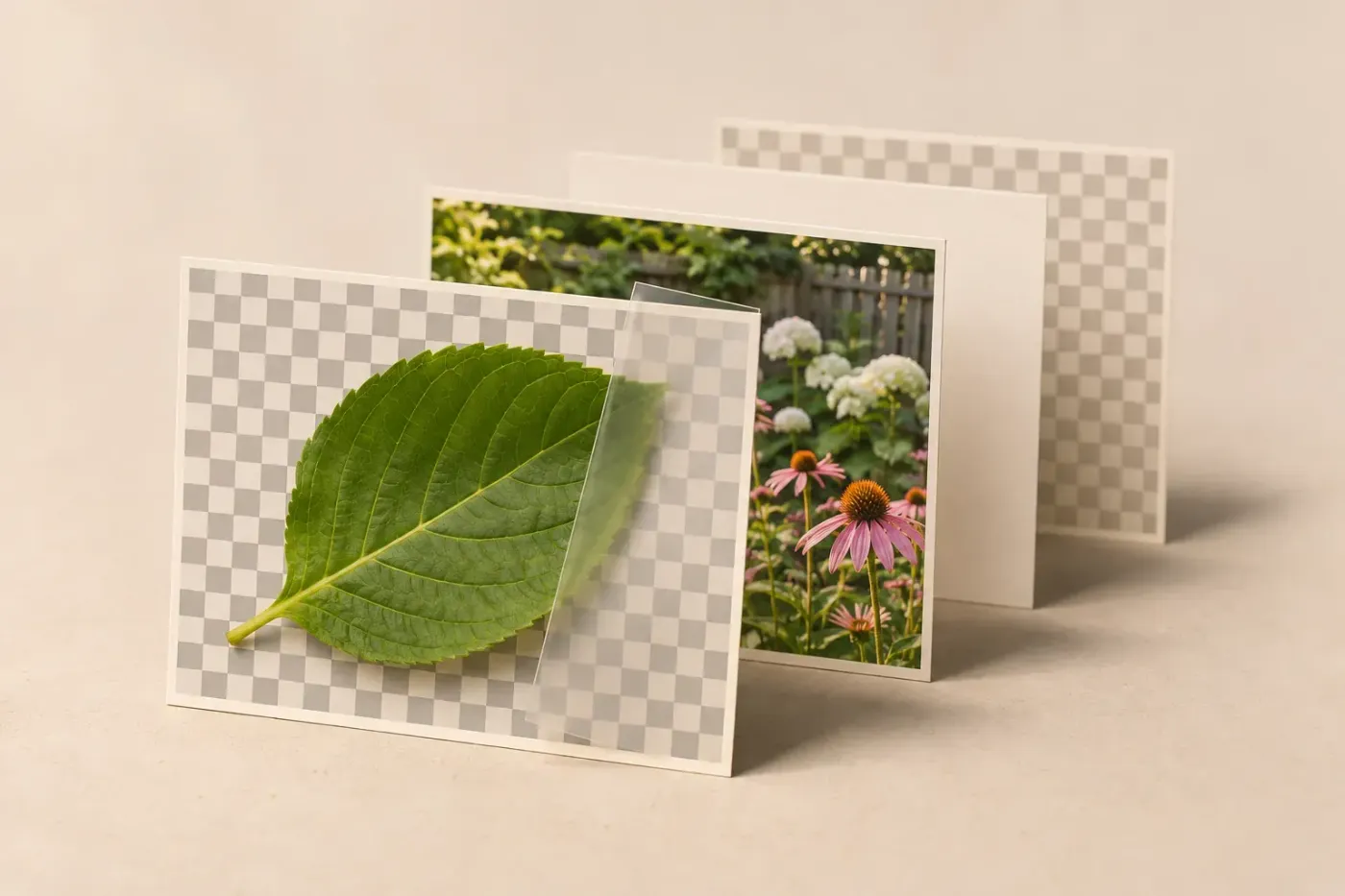
Build a GIMP composition with deliberate layer targets: add an image, move or align it, change the canvas and combine layers when the output calls for it. I'd keep an XCF master with text and masks intact before merging or flattening a delivery copy.
- Layers and text
Add an image as a layer in GIMP: resize, move and blend
Add a photo or logo to another image, choose between importing and pasting, fix sizing and canvas problems, and preserve the layers for later edits.
- Layers and text
Add an outline to text in GIMP 3
Use the Text tool’s Style setting for an outline that follows your edits. Choose its colour, width and direction, or use a separate outline layer in GIMP 2.10.
- Layers and text
How to add fonts to GIMP on Windows, Mac and Linux
Install a font in your operating system or copy it to the folder shown in GIMP Preferences. Refresh the Fonts dialog, choose the family and check package paths if it stays missing.