Elena Morris
Elena Morris is the GIMP image-editing and compositing editor at TheGIMP.net. She writes about selections, masks and layers, restrained retouching, compositing and export.
- Retouching and restoration
What Resynthesizer does in GIMP and how to use it
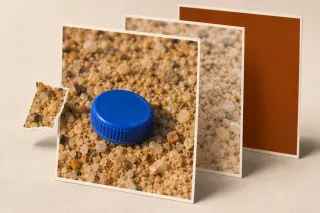
Heal Selection fills an object selection from nearby texture on the same layer. Choose its sampling direction, protect the original and check the repaired edges.
- Retouching and restoration
Remove white lines and streaks from a scanned image in GIMP
Repair narrow streaks with Heal or Clone, repeated vertical bands with Destripe, and faint paper marks with Levels. Check scanner dirt before retouching every file.
- Layers and text
Add an outline to text in GIMP 3
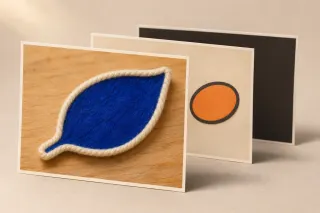
Use the Text tool’s Style setting for an outline that follows your edits. Choose its colour, width and direction, or use a separate outline layer in GIMP 2.10.
- Layers and text
How to add fonts to GIMP on Windows, Mac and Linux
Install a font in your operating system or copy it to the folder shown in GIMP Preferences. Refresh the Fonts dialog, choose the family and check package paths if it stays missing.
- Cutouts and transparency
Remove a white background in GIMP from logos, signatures and scans
Use Color to Alpha on clean white paper, restrict it to protect inner white details, and adjust grey scans without losing faint ink. Check the edges and export PNG.
- Cutouts and transparency
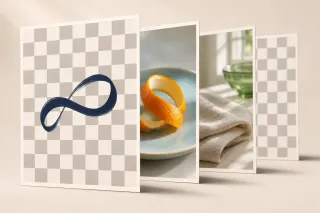
Make a background transparent in GIMP and keep it when you export
Add an alpha channel, remove the background on the active layer and export a PNG. Check white erasing, visible lower layers and export settings before you call the cutout finished.